





5 Tips for Online Smartphone Shopping Nobody Tells You About

The new Flipkart app is pretty amazing, isn’t it? If you haven’t tried it out as yet, you definitely should. However, there are several things you need to keep in mind when you make an online purchase through your smartphone.
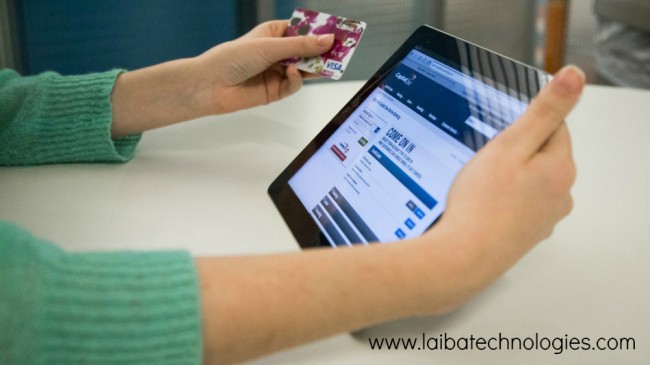
Most people wrongly believe that smartphones are malware free and carry little to no danger with regards to data theft. However, once you start making online purchases through your mobile device, there are several safety precautions that you do need to keep in mind.
How to stay secured while making online purchases through your smartphone
Always shop through official apps
When it comes to online shopping, your credit/debit card details are your most crucial assets. These need to remain secure and the best way to achieve this is by shopping through official apps that are released by credible online shopping portals. Though these apps do not provide complete and guaranteed security, they are the safest modes for carrying out online purchases. So instead of going to the Flipkart website on your smartphone and making a purchase there, simply install their app for your OS. Make your transaction through the app and stay assured that your data is safe.



Never shop through email links
If you have received an email that talks about special offers and discounts, do not be tempted to click on the link to make that purchase. Visit the website mentioned separately and type in the name of the offer or the product that you are looking at. If you don’t find the offer/product there, then something is definitely amiss. Many times, fake emails are sent to people to entice them to click and make a purchase from fake online portals. Refrain from doing this as the data on your smartphone is highly sensitive and important.
Always look for HTTPS certification
Mobile browsers can be tricky, especially for shoppers. All the tricks for catching a phishing link that can be made use of on a desktop, are harder to adhere to when it comes to a mobile browser. Mobile apps are generally made to function differently so as to deliver a better surfing experience and customer User Interface. Where we as shoppers lose out is the lack of visibility of the address bar at all times. So we are unable to view the URL of a page in its entirety and spot the HTTPS prefix (this is very simple on a PC). So you should always study the URL of a page closely and ensure it has HTTPS certification, before you make a purchase through your smartphone.
Be smart about what card you use
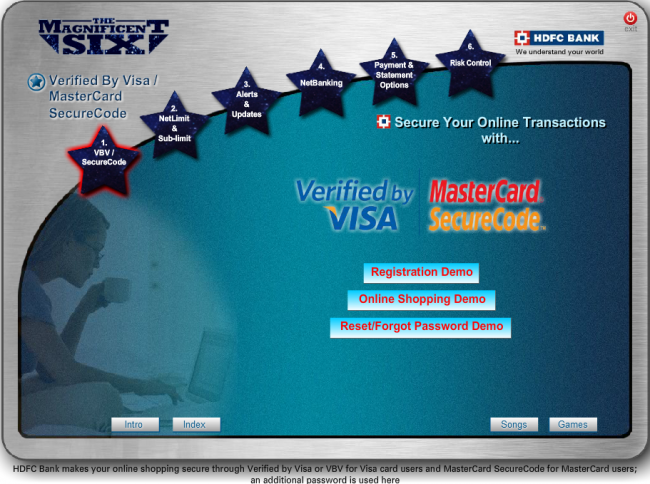
The one golden rule here that no one tells you is about the card that you use to actually make a purchase. Online purchases are never completely foolproof and can always go awry. So never use a debit card of an account where you have all your savings piled up. If these details get stolen, you will be in deep trouble. Instead, open a new account with limited money in it and use that debit card for purchases. That way, even if you lose the details for that account, the hit you take will be minimized. Additionally, you can also use credit cards for online purchases as banks are generally more open to refunding credit card amounts in case of fraudulent activity. Feasibly, you can also use a prepaid credit card number to make an online purchase through your smartphone.
Always use a secure Wi-Fi connection
Free Wi-Fi in coffee shops and airports and malls are great for people who are constantly on the move. However, making an online purchase through these connections should be strictly avoided. Wi-Fi snoopers and interceptors can steal private data over unsecured Wi-Fi networks, so stick to secured and private networks at your home or office for making purchases. A little bit of patience till the time you can connect over a private network will help you tremendously, so get a grip on that trigger finger and hold on before making that purchase.
While all these tips should be followed, it is always advisable to have a helping hand when possible. Quick Heal Total Security for Android provides you with this added layer of security while you make online purchases by blocking malicious threats and phishing sites. With this enhanced mobile virus protection suite at your disposal and by following the aforementioned tips, you can carry out all your online mobile purchases without any worries.