





Be Careful While Searching for these Dangerous Keywords Online!

Going by the saying “Prevention is better than cure”, we have compiled a list of the most dangerous keywords or terms to search on the Internet. Let’s have a look at them…
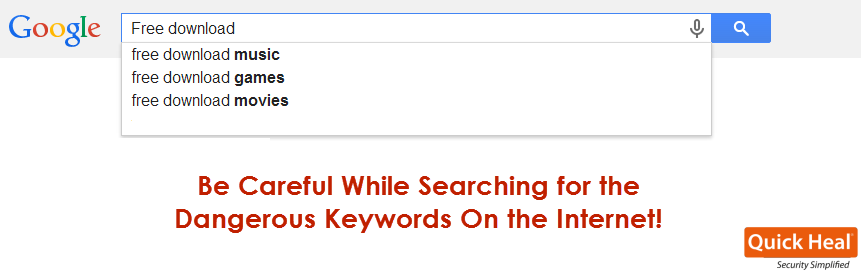
People search anything and everything online; from a plain search term like “Origin of cricket” to bizarre search requests like “How do I make my cat love me?” And that is where, dangerous search terms on the Internet come into the picture.
While Google and other search engines themselves are aware of the popular search terms on the Internet, even cybercriminals possess a fair knowledge of what people are looking for online. And using this knowledge, they trick unsuspecting users into visiting unsafe sites who later end up infecting their computer with a nasty malware. For instance, a malware artist first creates several websites and blogs (that host malicious codes). Then, they select the most popular search terms (keywords) searched by users on Google or any other search engine. Having done so, they optimize their websites with these keywords so that they appear on the top search results delivered to the user.
The below is a list of dangerous keywords or search terms that are usually used by hackers to trick users into visiting fake and malicious websites.
Web’s Most Dangerous Keywords to Search for:
| • Free screensavers | • Free games |
| • Free game cheats | • Work from home |
| • Free music downloads | • Free downloads |
| • Myspace | • Lyrics |
| • Make money | • Free ringtones |
| • Watch movies online | • Searches for pornographic sites |
| • Amazing deals online | • Free coupons |
• Search terms related to torrent downloads
• Seasonal search terms such as ‘Christmas discount offers’, ‘New Year discounts’, etc.
• Topical search terms such as ‘Free world cup tickets’, ‘Free world cup videos’, ‘Live football streaming’, etc.
• Search terms related to downloading videos, songs, images, etc., of trending celebrities such as movie stars, politicians, singers, athletes, etc.
How to Stay Away from Unsafe Websites
• Even if you should search for the terms mentioned above, only visit sites that are known, and those which you are familiar with.
• If you suspect any site to be unsafe or unusual, use the Google Safe Browsing tool. Here’s what you have to do. Copy the URL of the site you want to visit, and paste it after “www.google.co.in/safebrowsing/diagnostic?site=”
For instance, to test the site www.mytree.com, you would enter www.google.co.in/safebrowsing/diagnostic?site=www.mytree.com
• Be cautious against links that claim to show recently released and highly anticipated movies and TV series.
• It is a good idea to find out some info about websites that are usually related to the above search terms. Many a time, on forums and similar sites, users share their experience about visiting a site. You can Google something as simple as “Is mytree.com safe or infected?”
• According to a study by AVTest.org, conducted in 2013, Google delivers less malicious websites in its search results than Bing. So, prefer Google to other search engines.
• Most websites that host malicious codes take advantage of unpatched security vulnerabilities in your system. So, always ensure that your system OS and software are up-to-date.
• Have a reliable antivirus software on your PC that receives automatic software updates. The antivirus software should also be able to block malicious, fake, and phishing websites automatically.
It is not for certain that searching for the above listed dangerous keywords will always take you to an infected website. However, the chance of coming across an unsafe site is always high. So, exercise precaution and stay safe!
Content source:
www.av-test.org
www.lifehacker.com
www.abcnews.go.com