


Quick Links


Popular Searches


Close
Products
Looking for enterprise solutions?
Discover SeqriteLooking for enterprise solutions?
Discover SeqriteLooking for enterprise solutions?
Discover SeqriteLooking for enterprise solutions?
Discover SeqriteLooking for enterprise solutions?
Discover Seqrite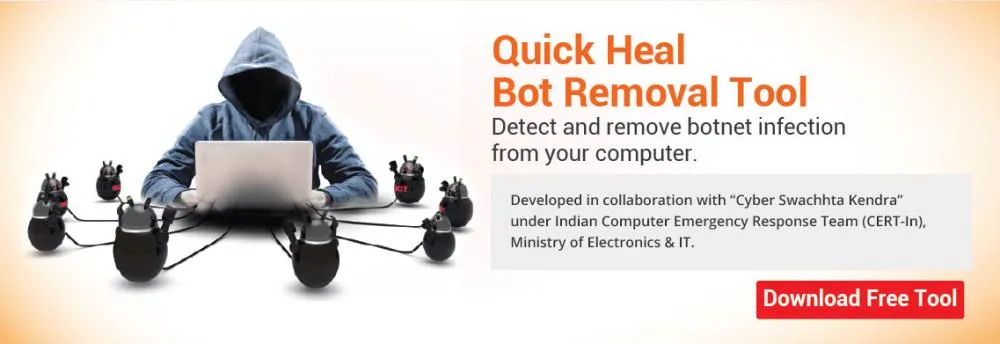


In collaboration with "Cyber Swachhta Kendra" under the Indian Computer Emergency Response Team (CERT-In), Ministry of Electronics & IT, Quick Heal has developed a Bot Removal Tool that helps users remove botnet infection from their computer.
A group of computers controlled by cybercriminals to spread malware and launch other malicious attacks on their targets is called a botnet. A botnet infection is when your computer becomes a part of a botnet.
Attackers can make your computer a part of their botnet by infecting it with something called a ‘bot code’. They can drop this code onto your computer by sending you emails containing malicious links or attachments, fake social media posts, or exploiting existing security vulnerabilities on your system.
This tool helps you detect and remove any botnet infection from your computer. This tool can be run with or without an antivirus program on your computer. Note that this tool only secures your computer against bots. It does not provide protection against other malware or prevent any data theft.
It is important that you take a backup of all your important files before using this tool to prevent any unintentional or accidental loss of data.
Download the executable file of the tool from here -
Double-click the downloaded file. The license agreement screen appears. Read the license terms carefully.
Select I Agree to proceed and then click Next. The welcome screen appears. Click Next.
Select one of the following scan options:
Click Next. On completion of the scan, a summary of the scan results appears. You can view the details of the scan by clicking Scan Results.
Click Finish.
No need to install it. Simply run the tool when you need it.
Detects and removes even the latest bot malware.
Run it along with your existing antivirus software.
It can be run on all Windows-based operating systems.
HAVE AN IDEA FOR US TO IMPROVE?
SHARE YOUR IDEA
WANT TO BE A PART OF OUR GROWTH?
Partner (Retail/Affiliate) with Us
Please complete your information below to login.